





Related Videos:
Story of Creed Haymond:
Run and Not Be Weary (8:18) time codes 2:57 to 5:39 then time codes 5:39 to 11:15
All Presentations are in Design Office 2007-2010.
If the Presentation does not download while clicking on the blue line, then:
Open the presentation in Power Point and enable it in order to save or edit
Right click on the word Download. Click on “Open in new window.”
Highlight the URL in window and click enter.
It should automatically download.
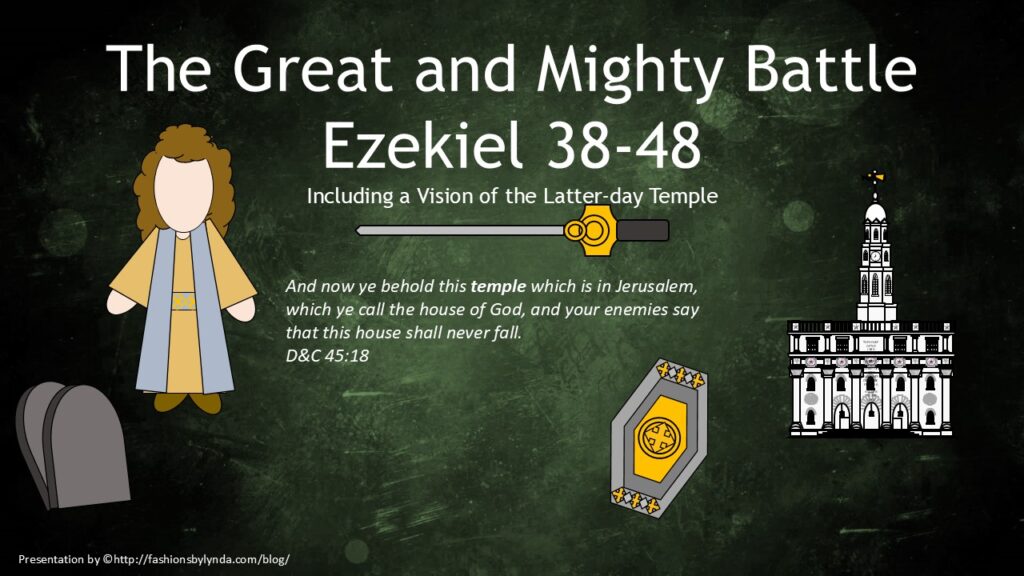
Related Article:
Early Saints and the Millennium
Related Videos:
Highlights–President Thomas S. Monson (0:52)
Unlocking the Door to the blessings of Abraham (2:42) time codes 20:13 to 22:55
The Blessings of the Temple (3:38)
All PowerPoints are in Design Office 2007-2013
If the Presentation does not download while clicking on the blue line, then:
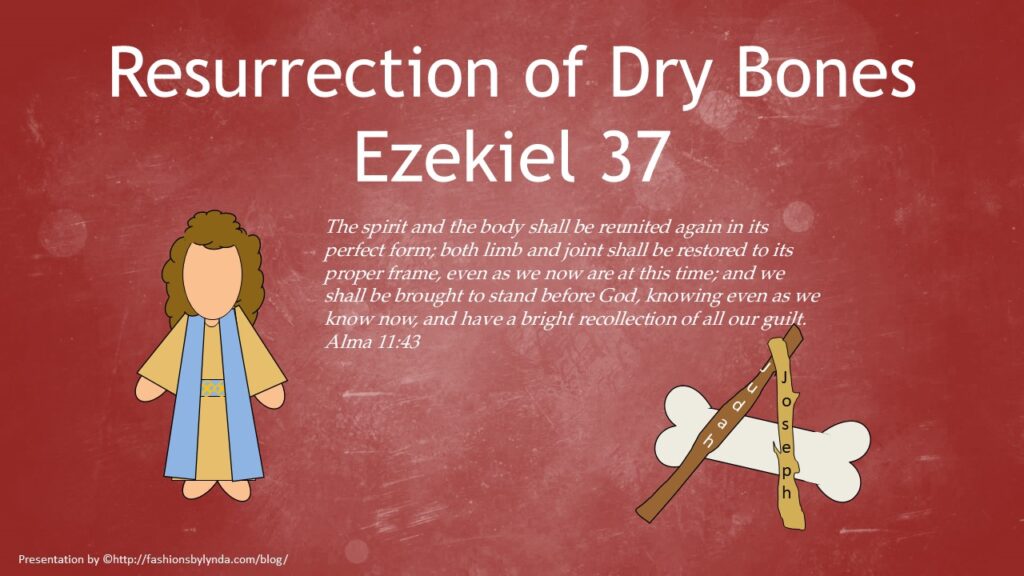
Related Video:
God’s Words Never Cease (2:55)
Just For Fun:
More gospel songs about Ezekiel 37
All Presentations are in Design Office 2007-2010.
If the Presentation does not download while clicking on the blue line, then:
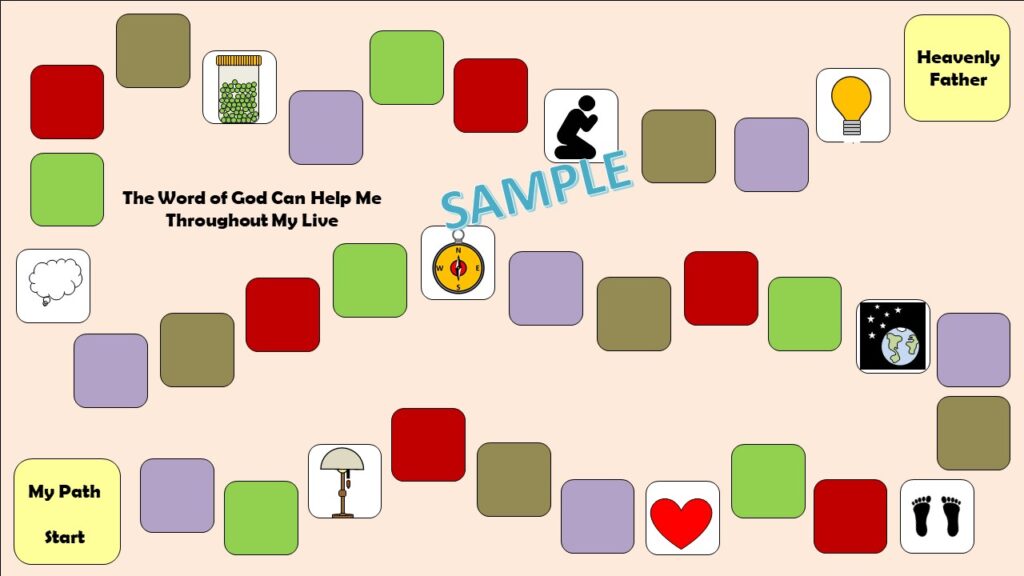
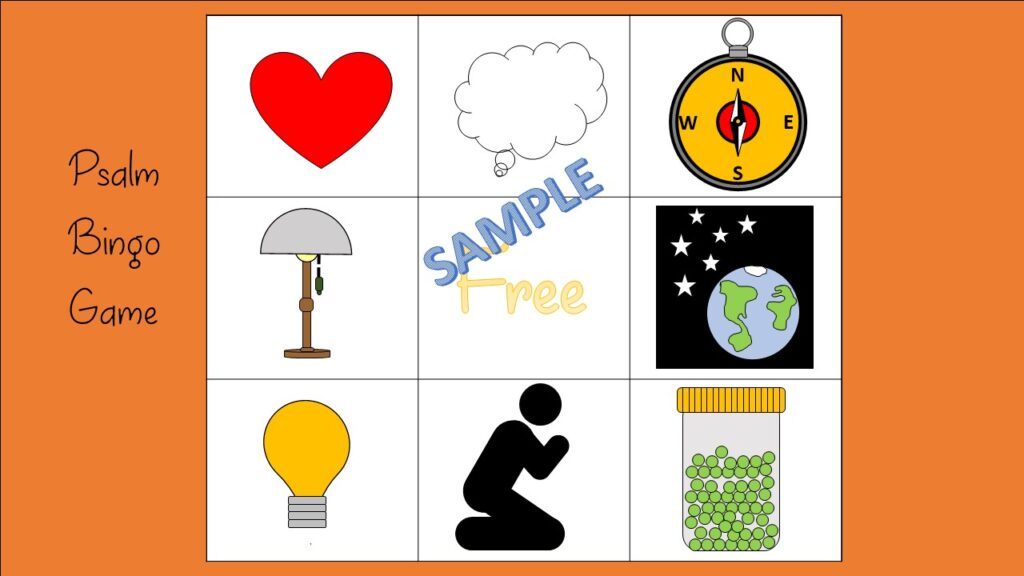

All Presentations are in Design Office 2007-2010.
If the Presentation does not download while clicking on the blue line, then:
Open the presentation in Power Point and enable it in order to save or edit
Right click on the word Download. Click on “Open in new window.”
Highlight the URL in window and click enter.
It should automatically download.
Related Videos:

All Presentations are in Design Office 2007-2010.
If the Presentation does not download while clicking on the blue line, then:
Open the presentation in Power Point and enable it in order to save or edit
Right click on the word Download. Click on “Open in new window.”
Highlight the URL in window and click enter.
It should automatically download.
Related Videos:
Journey to Higher Ground (1:36) time codes 0:00 to 1:36.
All Presentations are in Design Office 2007-2010.
If the Presentation does not download while clicking on the blue line, then:

All Presentations are in Design Office 2007-2010.
If the Presentation does not download while clicking on the blue line, then:
Open the presentation in Power Point and enable it in order to save or edit
Right click on the word Download. Click on “Open in new window.”
Highlight the URL in window and click enter.
It should automatically download.

Related Article:
All Presentations are in Design Office 2007-2010.
If the Presentation does not download while clicking on the blue line, then:
Open the presentation in Power Point and enable it in order to save or edit
Right click on the word Download. Click on “Open in new window.”
Highlight the URL in window and click enter.
It should automatically download.